
Smart Box: automated tool control with user-level accountability
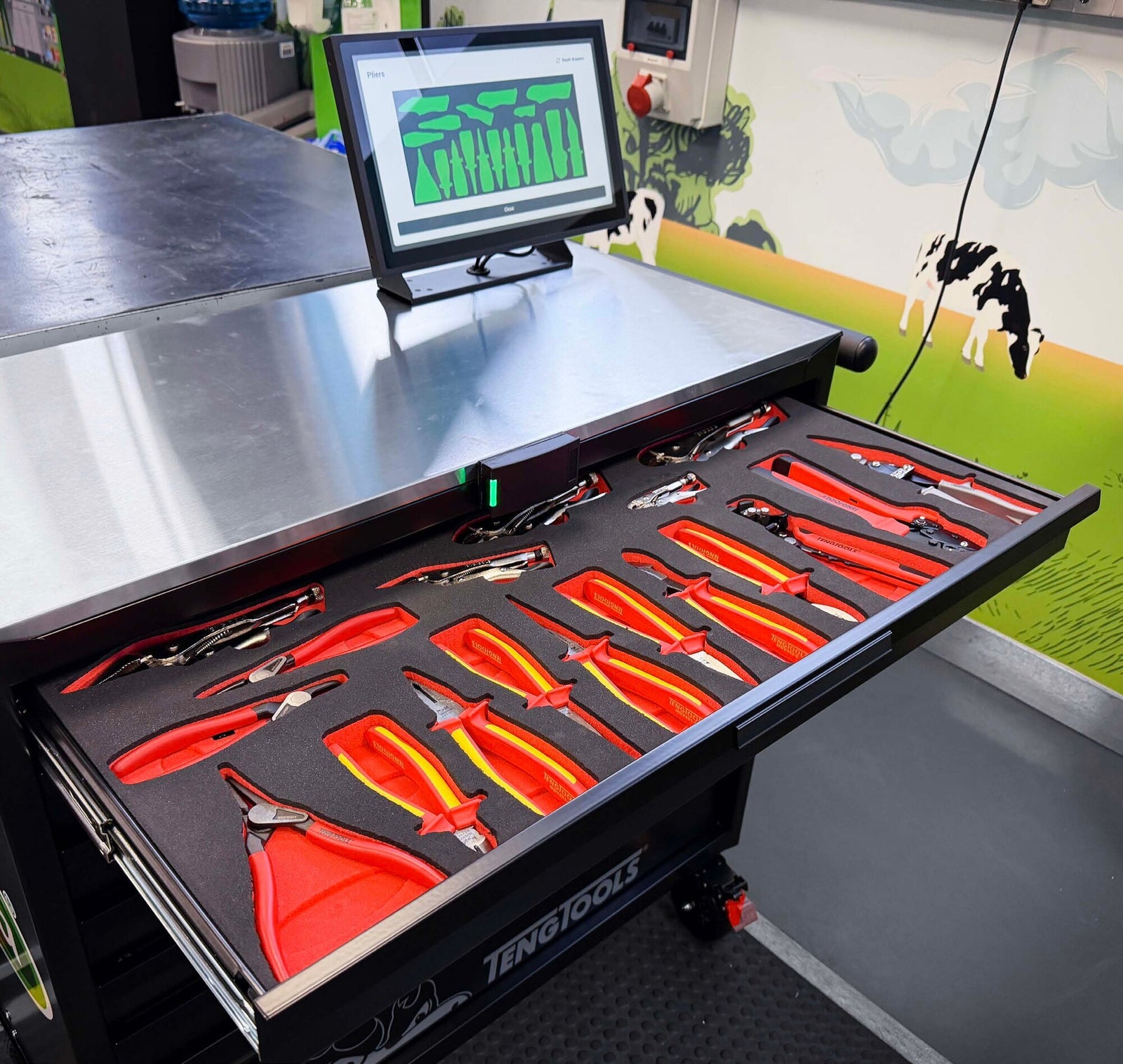
Smart Box is a Teng Tools roller cabinet with secure user access, sensing built into the foam layout and a screen that shows what is present, what is out and who has it. Each user carries an RFID or keycard credential. Sensors in the approved layout detect when a controlled tool leaves its location and when it comes back. Every change carries a user, a date and a time, on the cabinet and in the central platform. Supervisors spend their time on exceptions, not on counting.
For environments where complete tool visibility and accountability are critical. Now taking specification meetings for US installations.

Five things, automatically
Automated tool detection
Tools are automatically detected as they are removed and returned.
Secure user access
Control who can access tooling and create clear user accountability. In most cases your existing company access cards can be used; the card frequency is confirmed before manufacture.
Real-time visibility
Quickly understand current tool status without relying on a manual audit.
Traceable activity
Tool transactions are automatically recorded to support investigation and auditing.
Audit readiness
Demonstrate a controlled, traceable approach to maintenance tooling.
Foam that still works when the power is off
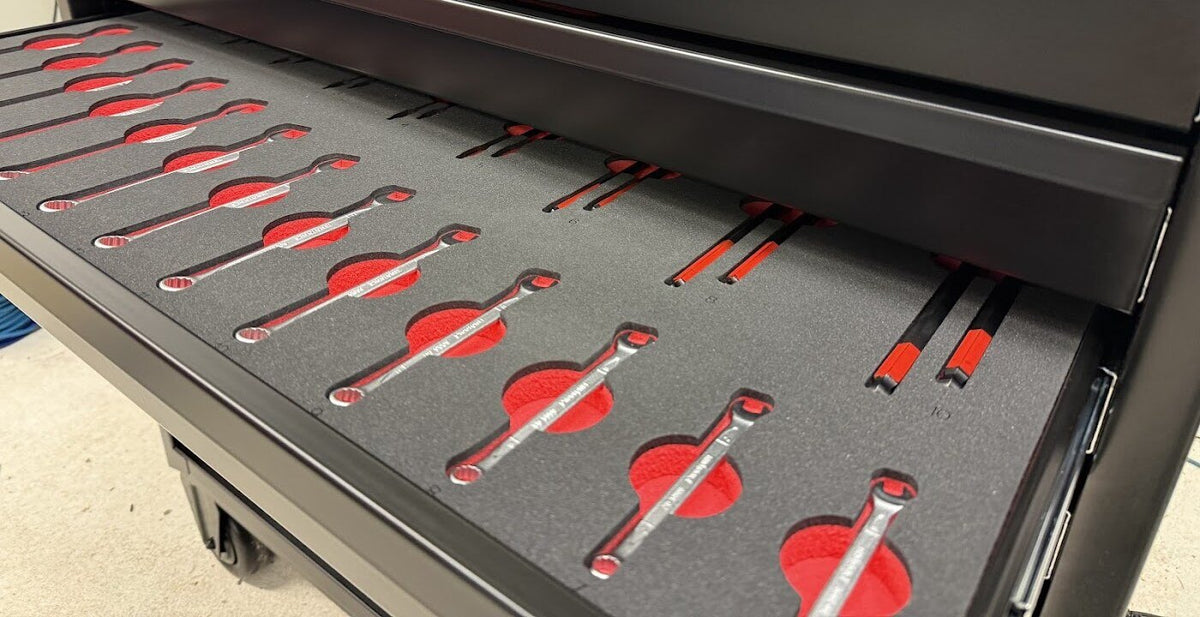
Two-layer foam makes an empty pocket obvious during a visual inspection. The cabinet supports your FOD and quality procedures; it does not replace them.
User. Toolbox. Tool. Time. Status.
- 01
User
An individual RFID or keycard credential identifies the person at the cabinet.
- 02
Toolbox
The access event is recorded against that credential.
- 03
Tool
Monitored locations detect removal and return of controlled tools.
- 04
Time
Each change carries a date and time for the activity history.
- 05
Status
Present, returned or outstanding, visible on the cabinet and centrally.
Manager release, where you want it: a manager verifies the cabinet, releases it with a master credential, users work on their own credentials, the cabinet monitors, the manager reconciles outstanding tools at the end of the period and the cabinet returns to a controlled state.
What the system does, line by line
| Item | Smart Box |
|---|---|
| User access | Individual RFID or keycard credentials; compatible with most existing company access cards |
| Tool monitoring | Electronic presence monitoring of configured tool locations |
| Removal and return detection | Yes and yes |
| Missing tool status | On the cabinet and centrally |
| Activity history | Date and time per change, per user |
| Local interface | Screen on the cabinet |
| Management dashboard | Yes; multiple cabinets supported; multi-site depending on deployment |
| Foam | CNC-cut two-layer foam to the approved layout; laser marking where required |
| Calibration management | Available |
| Connectivity | Ethernet, Wi-Fi or mobile data (mobile data carries a running cost) |
| Power | Mains; battery backup and mobile battery options depending on configuration |
| Integration | Subject to project scope: ERP, MRP, CMMS, access control, calibration systems |
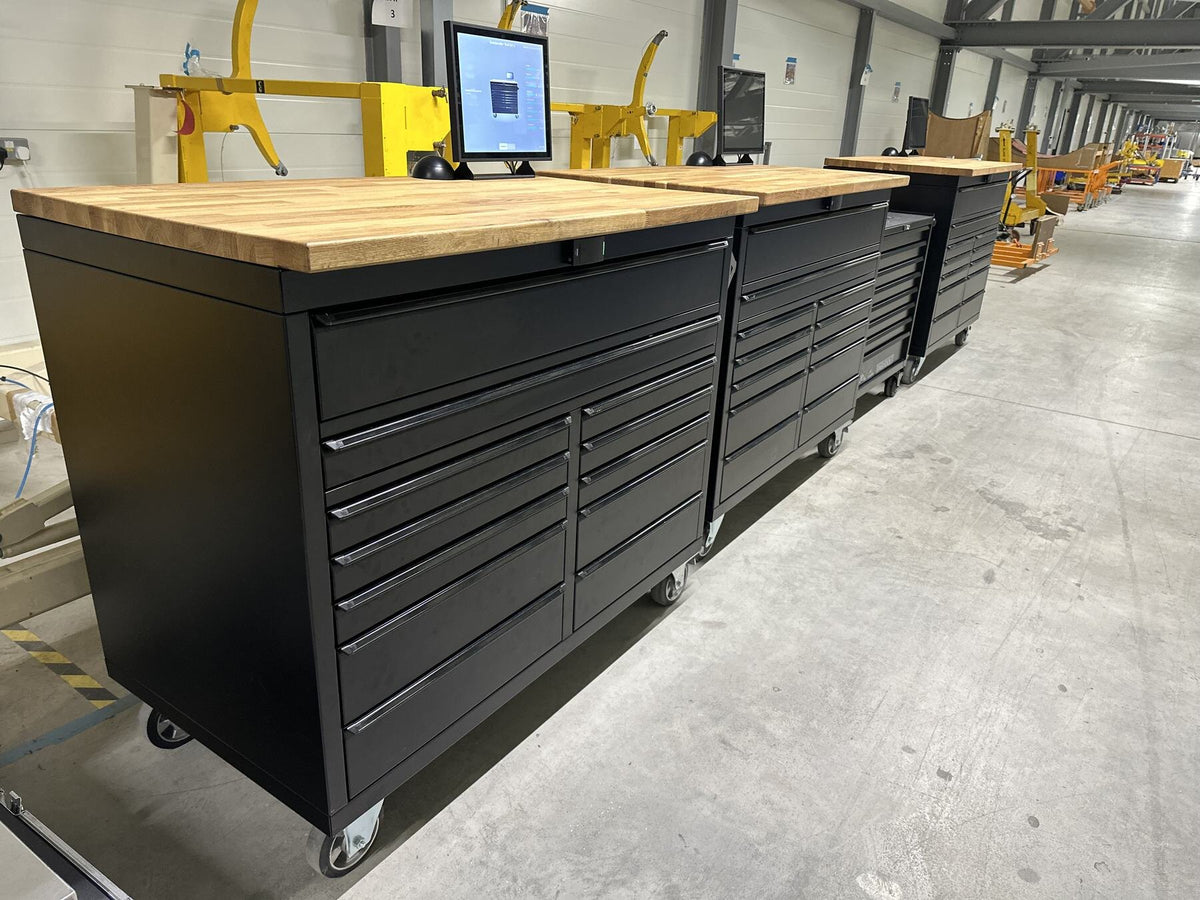
| Cabinets | 37-inch roll cabinet (around 400 tools, layout-dependent); 53-inch heavy-duty Magnum with timber worktop; bespoke multi-cabinet builds with customer branding |
Final capacity is determined by the approved tool list and foam layout; quoted capacities should therefore be treated as application-dependent. Cloud hosting is standard; customer-hosted deployment is available subject to scoping. An IT and security overview is available on request.
From tool list to handover
Where tool control has to hold: aerospace manufacturing, aircraft maintenance, repair and overhaul, defence and military engineering, rail, automotive and specialist vehicle operations, advanced manufacturing, energy and utilities, motorsport, and controlled engineering workshops.
- 01
Requirement review
Application, users, operating environment, IT requirements and tool control objectives are established.
- 02
Tooling review
Existing or proposed Teng Tools inventory is reviewed.
- 03
Layout and system design
Drawer layouts, foam, monitored locations, cabinet configuration and system requirements are developed.
- 04
Customer approval
Proposed layouts and configuration are approved before production.
- 05
Manufacture and configuration
Cabinet, bespoke foam, identification and control technology are manufactured and configured.
- 06
IT and security review
Where required, customer IT and information security requirements are reviewed before deployment.
- 07
Installation and commissioning
The cabinet is installed, configured and commissioned.
- 08
Training and handover
Operators, supervisors and administrators receive training.
- 09
Support
Ongoing service and support arrangements are agreed.
Smart Box is a Teng Tools cabinet with sensing and software from Automify (Tool Raptors Ltd, UK).
On the floor

The questions engineers ask first
What is the Teng Tools Smart Box?
How is it different from a conventional locked toolbox?
Does the system know who removed a tool?
Does every tool have a sensor?
Can it detect when a tool is returned?
Does it replace manual checks?
Why use two-layer foam if the tools are digitally monitored?
What happens if a tool goes missing?
Can normal users be locked out until a manager has checked the box?
Can we use our existing employee RFID cards?
Can one manager see several cabinets, or several sites?
Is the system cloud based?
What connectivity does the cabinet need?
What happens if a sensor or system component reports a fault?
Start with your tool list
Tell us what you hold, who uses it, how many cabinets and sites, and what your IT team will ask. You leave the meeting with a proposed configuration.
Or call
(817) 767-3392